Trigger
An inquiry, form, appointment or stage change starts the process.
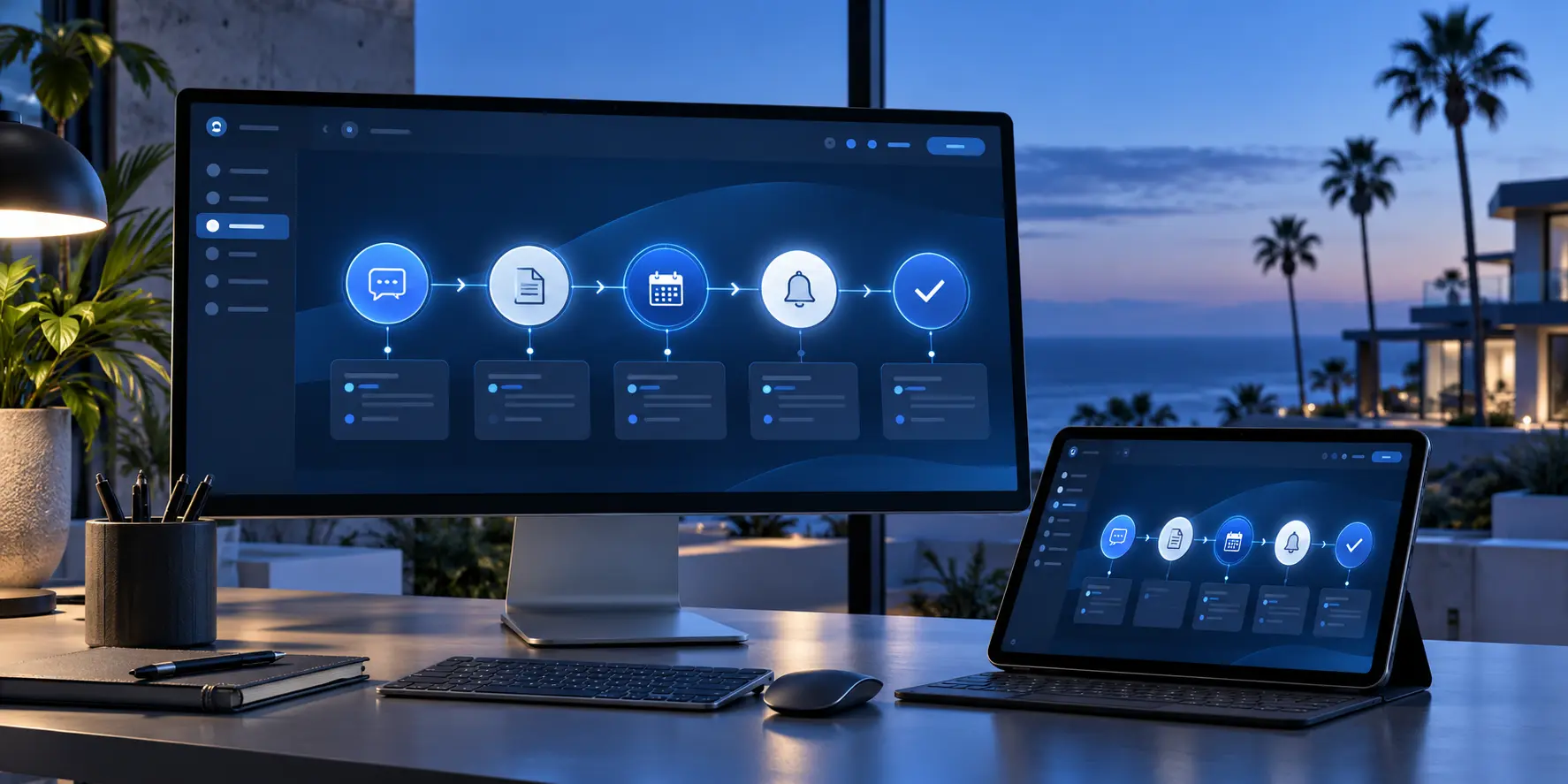
Connect inquiries, appointments, messages and reminders so the process continues without losing the human touch.
Connect inquiries, appointments, messages and reminders so the process continues without losing the human touch.
An inquiry, form, appointment or stage change starts the process.
The system completes the approved action at the right time.
Information is recorded and the next step remains visible.
We begin with a specific need and configure a practical solution around your business.
We configure responses and confirmations for specific moments.
We connect available booking, confirmations and reminders.
We create consistent steps without removing personal attention.
We review connections that can reduce manual movement.
Premium can include reminder and review-request workflows.
The final scope depends on your plan and the way your business operates.
Automated actions based on the plan and configured event.
Responses after forms or appointments.
Notices related to appointments or next steps.
CRM updates when an action occurs.
Flows available within Premium.
Advanced conditions and paths based on the contracted scope.
Automation connects the parts of the system. It does not replace customer relationships, it helps keep them consistent.
We review, configure and test with you before putting the service into operation.
We find frequent tasks and choose which ones should be connected.
We configure events, actions, timing and exceptions.
We verify every path before putting it into operation.
The automation level depends on the plan. Professional includes initial follow-up and Premium adds advanced workflows.
We can review integrations, conditions, multiple paths or internal processes and confirm what can be automated safely.
No. It supports repetitive tasks and basic steps while people handle the important conversations.
Not always. We first review the process, available tools and risks before recommending automation.
A form, appointment, message, CRM stage or another available event can trigger a workflow.
Yes. Messages and timing can be reviewed when your process changes.
We define rules, exceptions and tests before activating each workflow.
Premium includes advanced automation. Professional includes initial follow-up and connected appointments.
We review your current process and begin with the automations that provide real value.